Personal, printed, and yours to color
Your favorite photos, drawn as coloring pages.
ColorMyMemory turns photographs of the people you love into clean line art, then binds them into a coloring book you can print at home. Not a filter. A drawing of your own memories.
Start with 5 free credits. No card, no subscription.

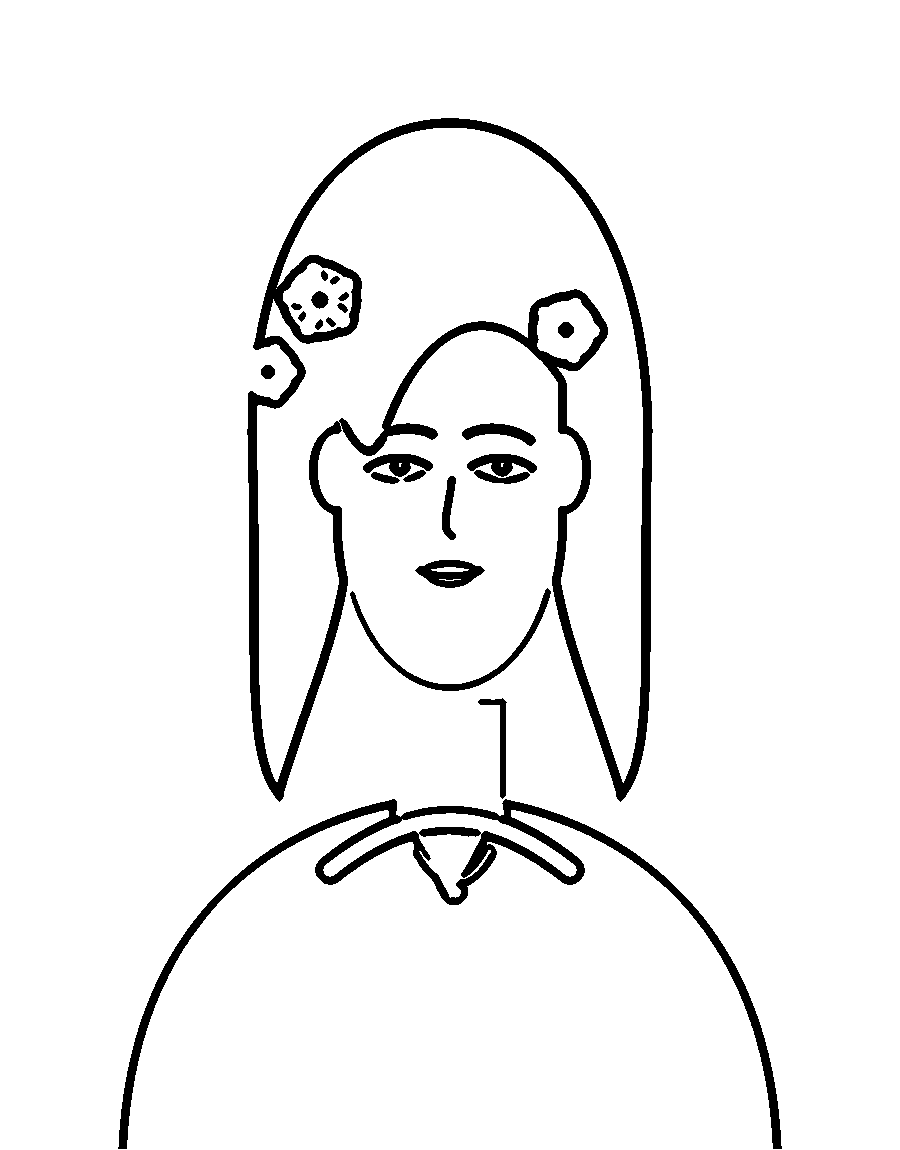
The photo on your phone. The page on your table.
Drag the divider. The right side is what the printer gets: pure black ink on white paper, enclosed shapes, no grey wash. The left side is the illustration used for this sample, so you can see how much of the original survives.
- Facial features and hair kept recognisable
- Clean outlines with room to color
- No muddy shading or solid black blocks
- Redraw any page with a different style
Sample content uses an original illustration, not a customer photo.

Three steps, one afternoon
No design software, no layers, no export settings to learn.
- 01
Add your photographs
Drop in one photo or twenty. Portraits, a wedding, a first day of school, the dog asleep in the sun.
- 02
Choose how it is drawn
Pick a style and adjust line weight and detail until the drawing still looks like the person you know.
- 03
Print, color, keep
Set a cover and captions, then export an A4 PDF built for the printer in your hallway.
Six ways to draw one memory
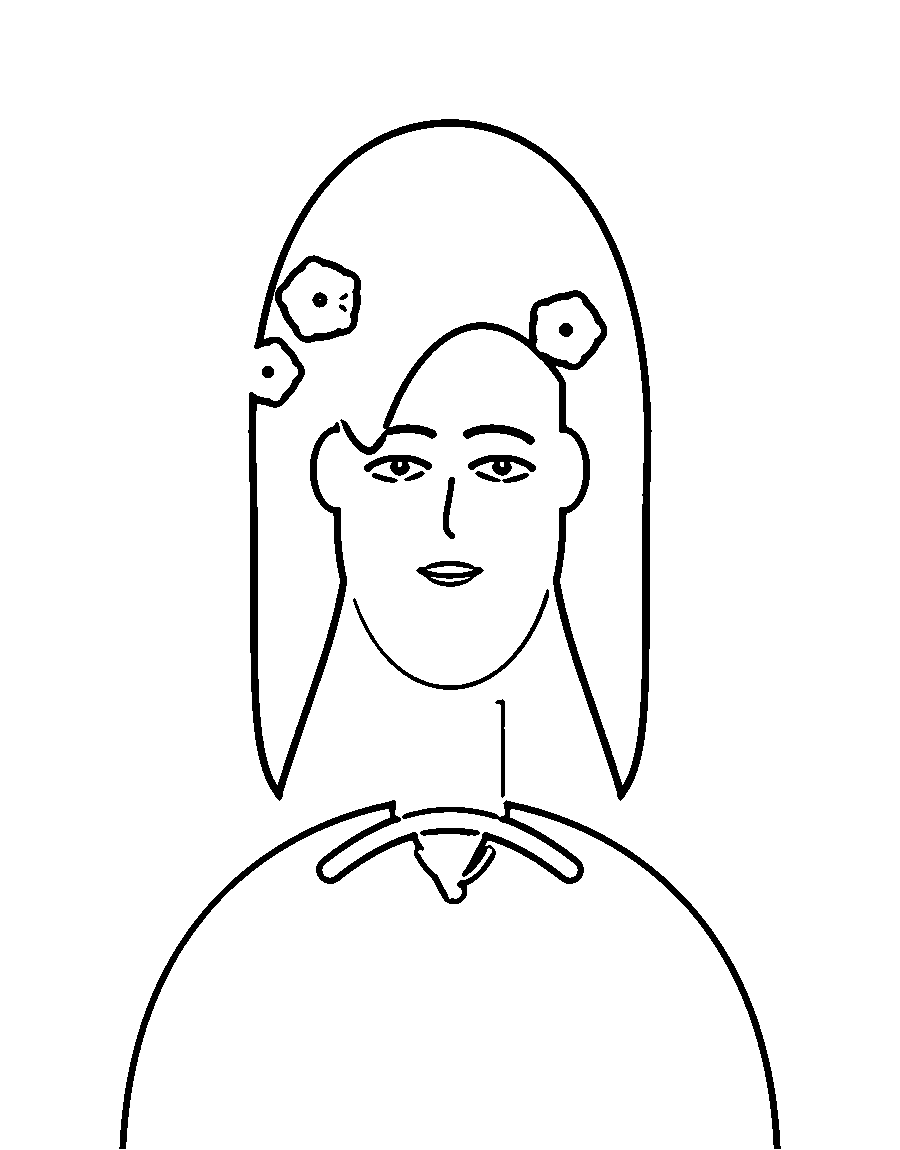
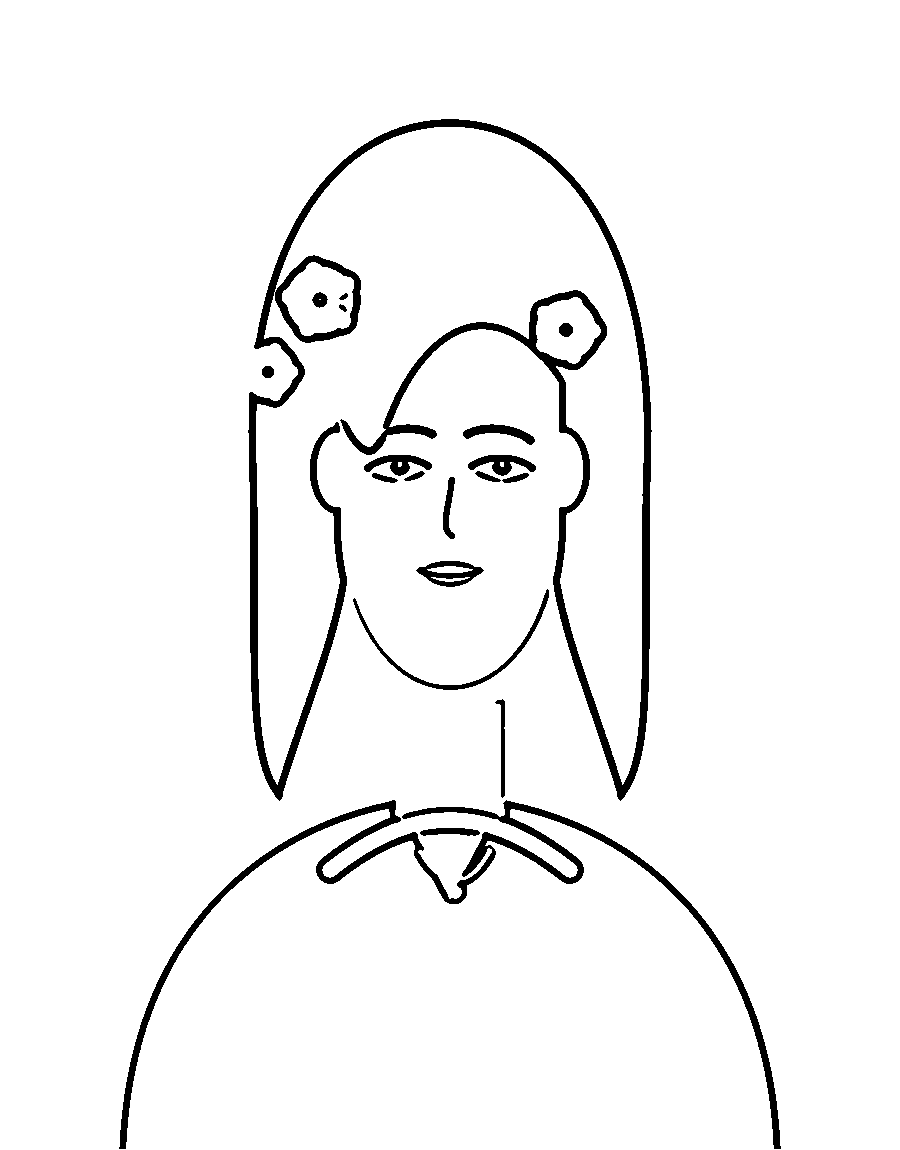
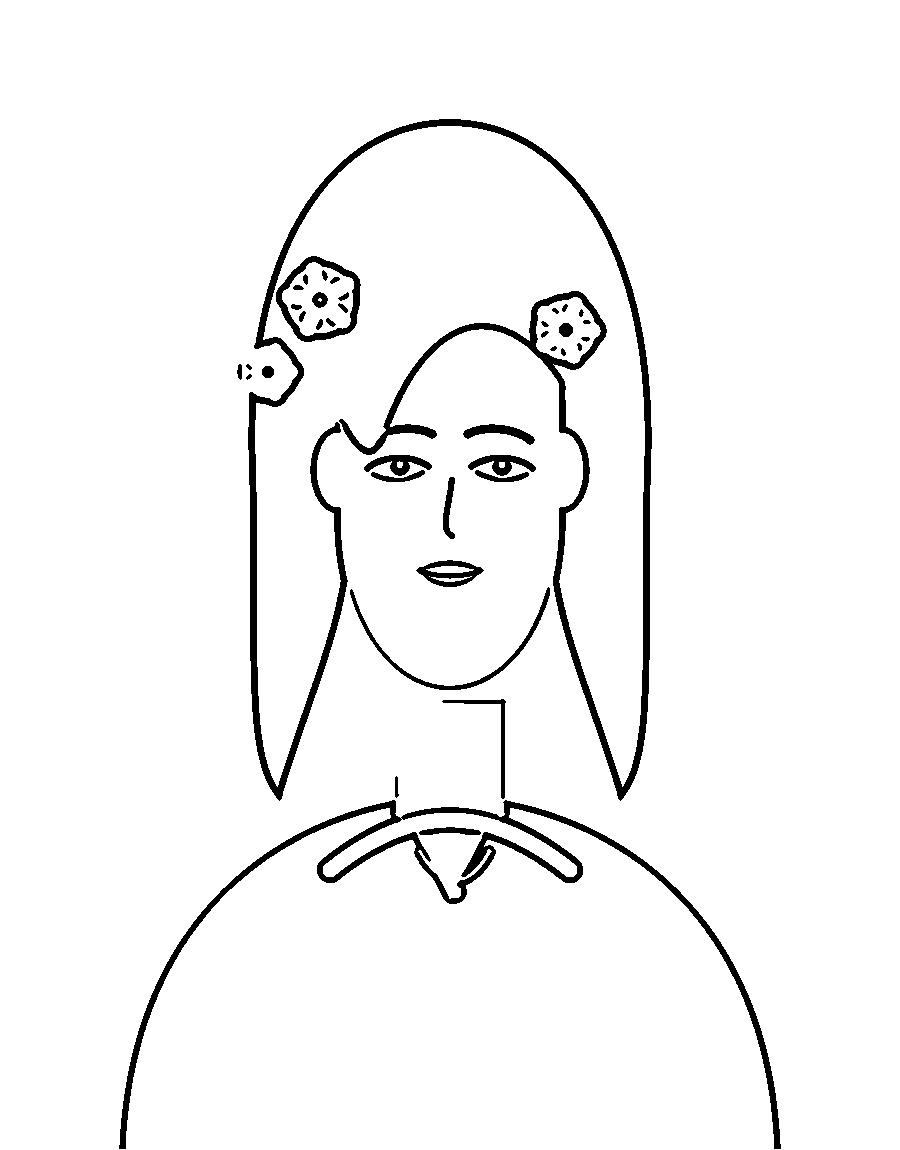
The same photograph can become a bold page for a six year old or a fine-lined page for an adult with a full pencil tin. Detail, line weight and cleanup stay adjustable per page.
7 optional borders: botanical, egyptian, night sky, hearts, geometric, vintage, birthday.
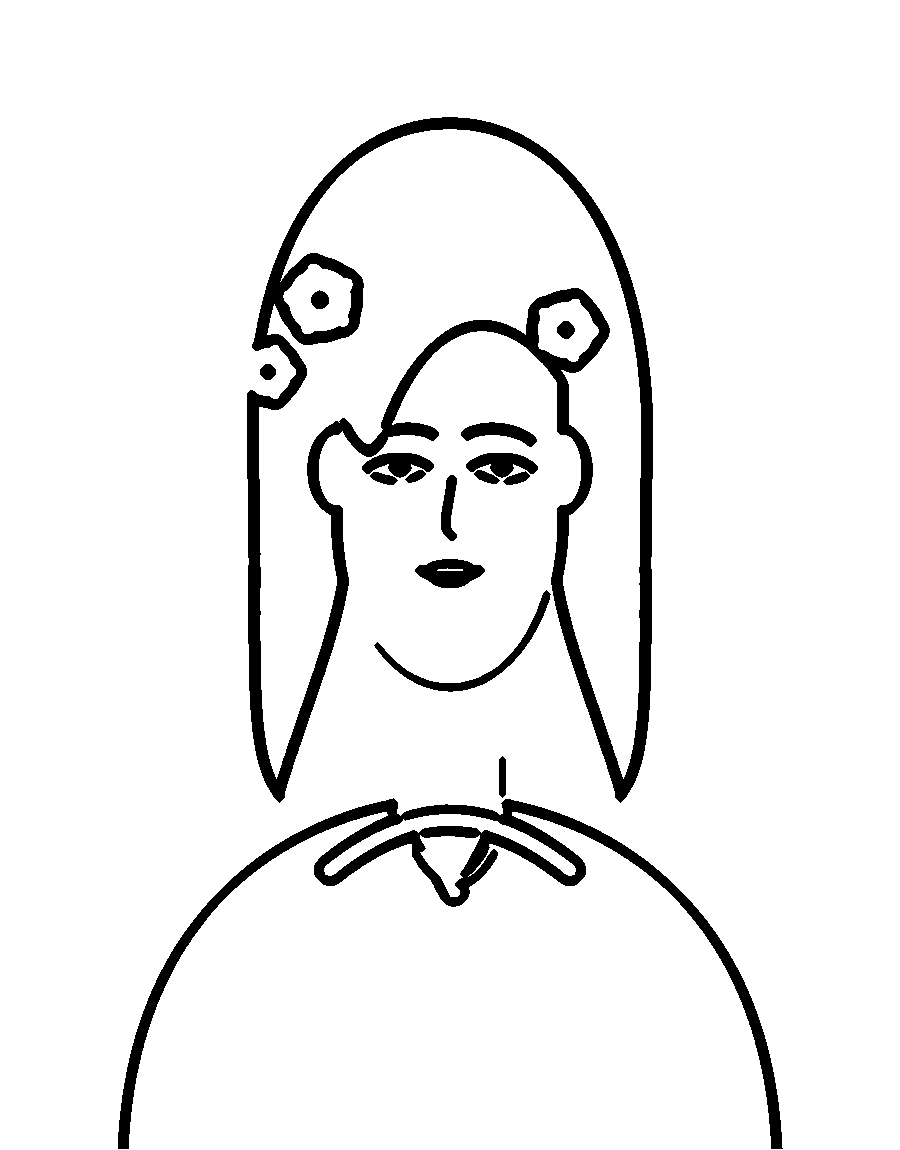
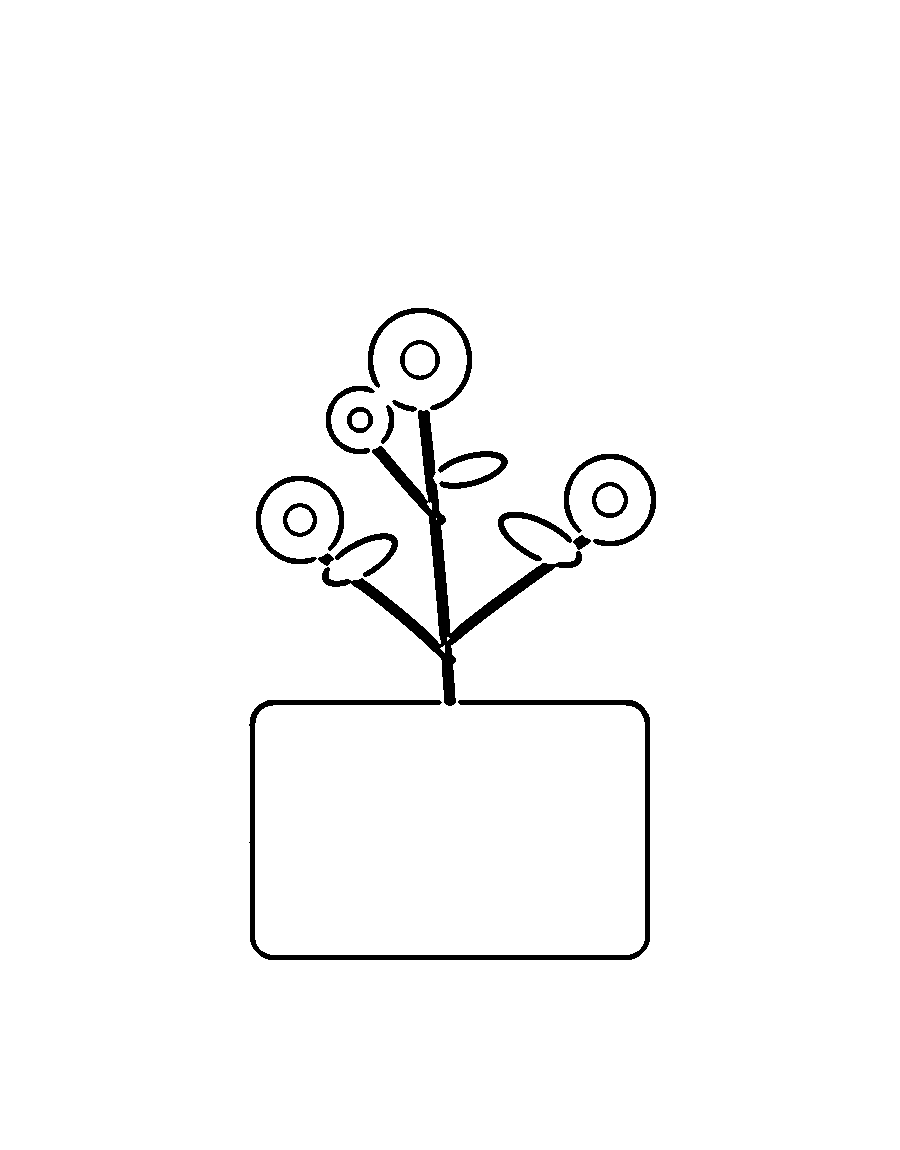
Faithful portrait
Closest to the photograph
Premium coloring book
Book-quality illustrated page
Detailed adult
Intricate, many small areas
Cute and simple
Bold lines, big areas
Built to leave the screen
The export is not a screenshot of the editor. Each page is laid out at print resolution, with real margins, a cover, page numbers and your borders, then compiled into a single PDF.
- Paper
- A4 portrait, 210 × 297 mm, or US Letter
- Margins
- 12 mm printable area, nothing clipped
- Resolution
- 300 dpi page artwork, embedded
- Cover
- Four templates, optional dedication
Your photos, your pages
Drag in JPG, PNG or WebP, one page or a whole book. Every upload is validated and stored privately.
Redraw until it is right
Change style, detail and line weight after the fact. Regeneration keeps the original photo untouched.
Borders and captions
Seven vector borders that stay inside the margin, plus an optional caption and page number per page.
A real PDF
Page order, cover, numbering and borders compiled into one file you can print or hand to a copy shop.
Private by default
Files are served only to the account that owns them. Nothing is public, nothing is indexed.
Come back later
Projects, pages and settings are saved. Close the tab, open the book next month, keep editing.
A gift that takes an afternoon, not a season
For a birthday
A book of the year, one page per month, titled with the person's name.
For an anniversary
Ten photographs, ten pages, a dedication on the cover.
For a grandparent
Portraits of grandchildren, printed large enough for old eyes and steady hands.
For a child
Bold pages of the family pet, the house, the garden, the people they know.
Questions worth asking
Will it still look like the person?+
That is the whole point. The drawing keeps facial features, hair, posture and clothing from your photograph. Facial likeness is why we show you the result before you print, and why every page can be redrawn with different settings until you are happy with it.
What kind of photo works best?+
A clear, well-lit photo where the subject takes up a fair amount of the frame. Phone photos are fine. Avoid heavy filters, very dark photos and tiny faces in a crowd.
Do you keep my photographs?+
They stay private to your account, stored outside any public URL, and are only read when your own page needs them. You can delete a project and its files at any time.
Is it AI or a filter?+
Both paths are built and clearly labelled. When an image-generation provider is configured, pages are drawn by it. Otherwise the built-in computer-vision pipeline draws the lines locally, and the editor says so. We never pretend an AI service ran when it did not.
How do I print the book?+
Export a print-ready PDF: A4, 210 × 297 mm, white background, 12 mm margins, one illustration per sheet. Print single-sided on 120 gsm paper, or hand the file to a copy shop.
Can I make a book as a gift?+
Yes: add a cover with a title, a dedication and a recipient's name, then arrange the pages in the order you want them opened. Books download as a single PDF, so they are easy to send.
Start the book you keep meaning to make.
Upload one photo and see the drawing. You will know in a minute whether it is worth printing.